




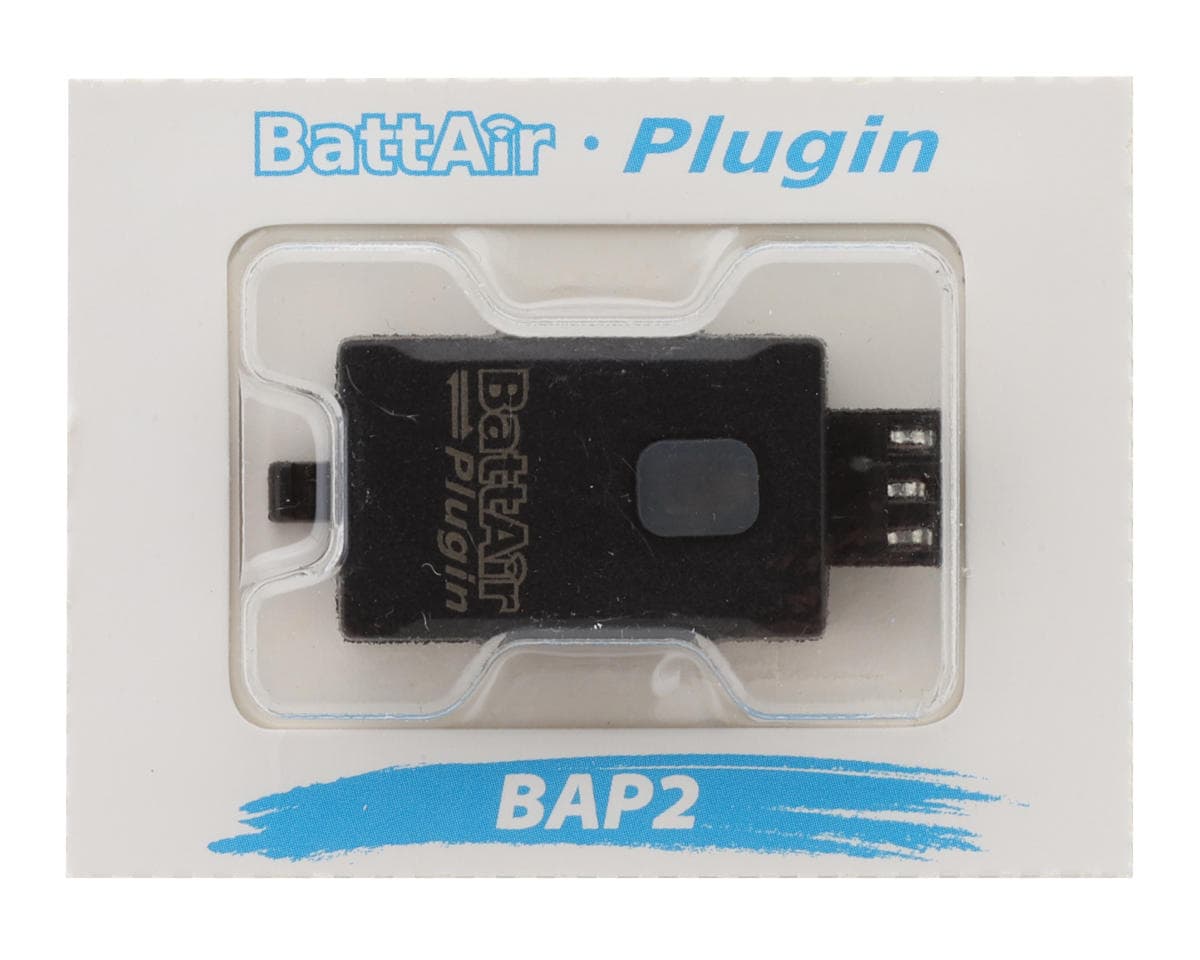
iSDT BattAir Balance Plug-In Adapter (2S)
About this part
BattAir Adapter Overview:
The ISDT BattAir Plugin is an innovative accessory designed for smart battery management. This device is compatible with one-to-six cell lithium-based batteries and enhances battery health monitoring and maintenance with ease and efficiency. With the BattAir Plugin, you can conveniently monitor charging status, set battery parameters, and view usage records through the dedicated BattAir app, ensuring your batteries remain in optimal condition.
The BattAir Plugin transforms any compatible battery into a smart battery with its plug-and-play functionality. By using the BattAir app, users can access real-time power levels, manage parameters, upgrade firmware via OTA, and even discharge batteries safely when needed. This compact, efficient tool provides complete control and convenience for RC enthusiasts and professionals alike.
Features:
- Compatible with BattAir-supported chargers for automated battery recognition
- Real-time monitoring and parameter adjustment through the BattAir app
- Plug-and-play functionality for seamless integration
- Supports a variety of lithium-based battery types, including LiFe, LiPo, and LiHv
- Firmware upgradeable via OTA for enhanced control and functionality
Specifications:
- Battery Type: Lithium-ion
- Input/Output Port: Type-C1/Type-C2
- Operating Temperature: 0 to 40°C
Includes:
- (1) ISDT BattAir Plugin Adapter (2S)
- (1) User Manual
Reviews5.0 · 1 review
Amazing product to take care of the batteries. they work flawlessly with my ISDT K2 Air Charger.