




Spektrum RC
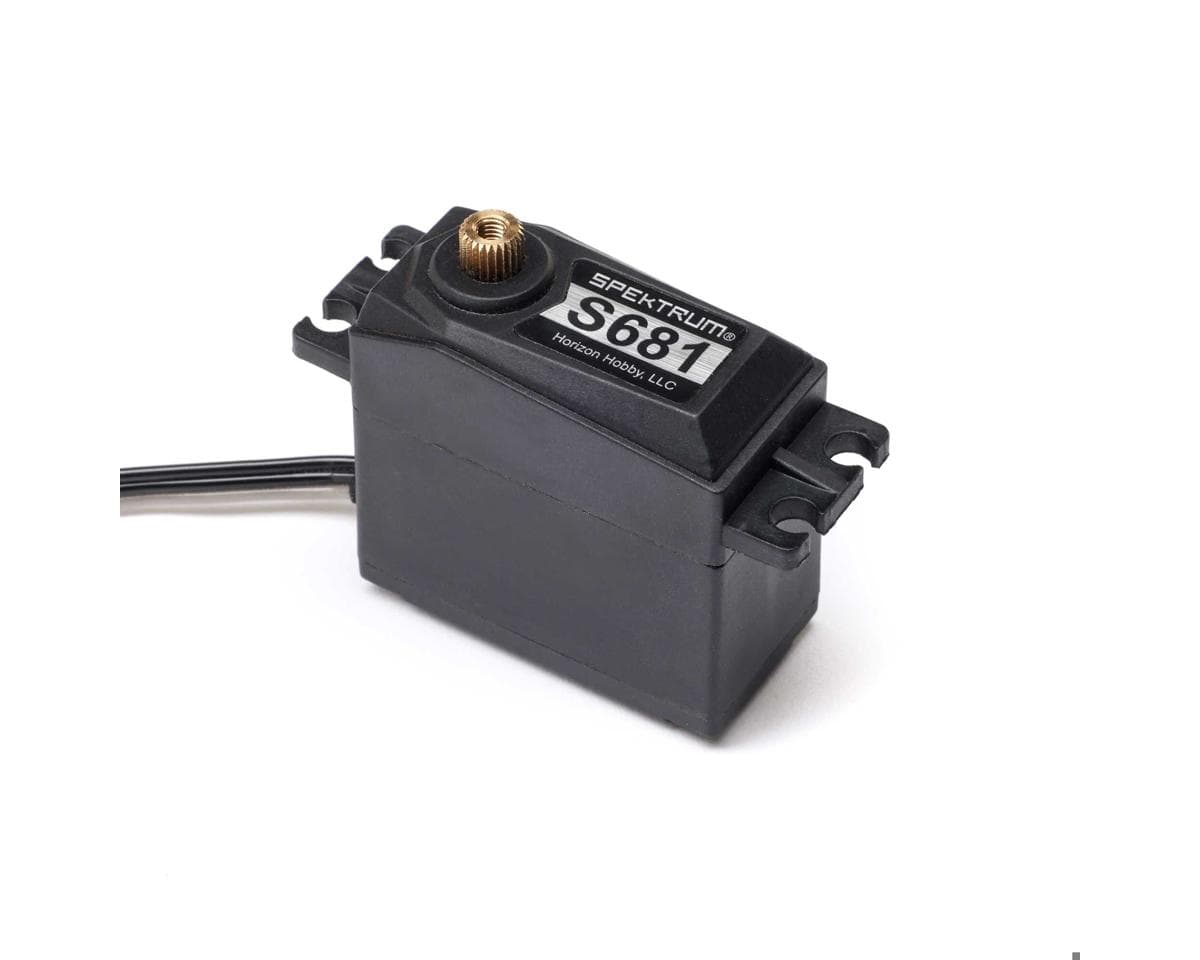
Spektrum RC S681 Standard Analog High Torque Brass Gear Servo
Part # SPMS681
Where to buy
$22.99
Prices are as last seen at the store; stock is not tracked.
About this part
Servo Overview:
Spektrum RC S681 Standard Analog High Torque Brass Gear Servo. This servo is a replacement intended for use on the Arrma Fury 223S BLX 1/10 2WD Short Course Truck and will work on most 1/10 vehicles needing a high-torque, reliable servo. It features durable brass gears for enhanced strength and longevity, making it suitable for demanding applications. This servo is equipped with a twenty-five-tooth spline for secure and consistent operation.
Features:
- Standard-size servo for most 1/10 vehicles
- Compatible with the Arrma Fury 223S BLX 1/10 2WD Short Course Truck
- High-torque performance for demanding applications
- Durable brass gears for strength and reliability
- Twenty-five tooth spline for consistent operation
- Designed for use in various RC vehicle setups
Specifications:
- Application: 1/10 Surface Vehicles
- Type: Analog
- Operating Voltage: 6-8.4V
- Spline Count: 25T
- Gear Type: Brass
- Length: 1.58in (40mm)
- Width: 0.79in (20mm)
- Height: 1.57in (40mm)
- Weight: -
- Speed:
- 6.0V: 0.11sec/60°
- 7.4V: 0.10sec/60°
- 8.4V: 0.10sec/60°
- Torque:
- 6.0V: 7.2kg/cm (100oz/in)
- 7.4V: 8.6kg/cm (120oz/in)
- 8.4V: 9.3kg/cm (129oz/in)
Includes:
- (1) S681 Standard High Torque Brass Gear Servo
CA Residents Prop 65 Warning
WARNING: This product can expose you to chemicals including Di(2-ethylhexyl)phthalate (DEHP), which is known to the State of California to cause cancer and birth defects or other reproductive harm. For more information go to www.P65Warnings.ca.gov Details...Reviews
No reviews yet.
Builds using this part
No builds use this part yet — add it to yours from the build editor.