




About this part
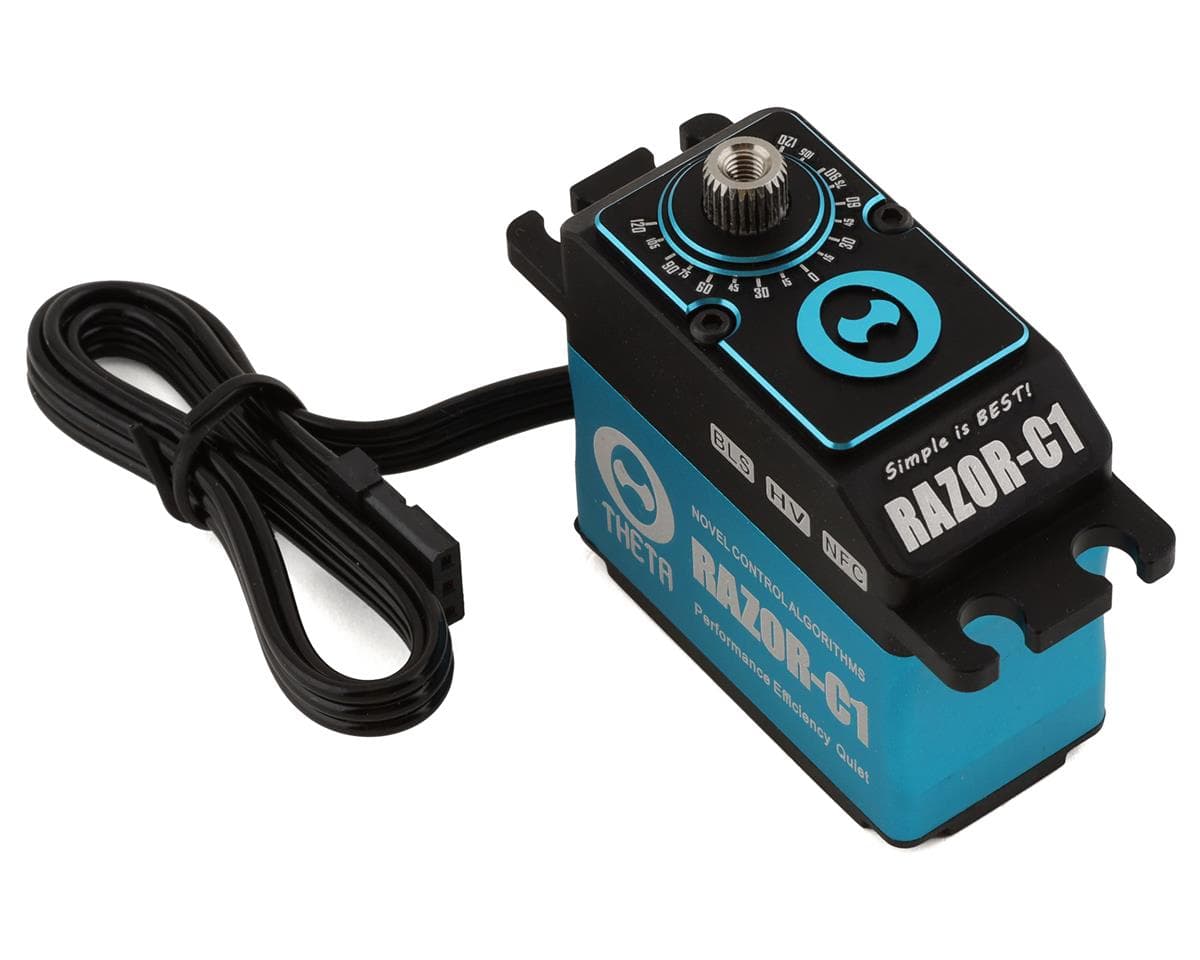
The Razor C1 Theta Servo is a full size brushless servo that is capable of handling high voltage of up to 8.4V. The high torque brushless servo delivers incredible power and can be used for RC helicopters, airplanes, cars, and trucks. Featuring NFC technology, the Razor series of servos can tune and optimize performance through an Android device. Settings such as servo centering (servo offset), refresh rate, acceleration, and PID control loop are all available for tuning.
Features:
- High voltage compatibility
- Brushless motor
- Metal gears
- Precision centering
- NFC Wireless tuning via Android devices
- 25T Output shaft
- All black cables
- Neutral position: 760uS | 1520uS - Selectable
- Sanwa SSR Compatible
Specifications:
- Operating Voltage: 5V - 8.4V
- Torque:
- 2.6A:
- 6V: 374 oz/in (27kg-cm)
- 7.4V: 471oz/in (34kg-cm)
- 8.4V: 499 oz/in (36kg-cm)
- 5A:
- 6V: 513 oz/in (37kg-cm)
- 7.4V: 610 oz/in (44kg-cm)
- 8.4V: 666 oz/in (48kg-cm)
- Speed:
- 2.6A:
- 6V: 0.084 sec/60
- 7.4V: 0.071 sec/60
- 8.4V: 0.06 sec/60
- 5A:
- 6V: 0.079 sec/60
- 7.4V: 0.067 sec/60
- 8.4V: 0.056 sec/60
- Weight: 73g (2.57 Oz)
- Motor Type: Brushless
- Spline: 25T
Reviews5.0 · 1 review
Henry CobleVerified owneron Theta Servos Razor-C1 Brushless High Voltage Servo
Excellent servos I run on my Goblin Raw 580. NFC programming makes it super easy to setup. Will definitely be buying another set for my next build. Amain always delivers on time, fast, accurate shipping as always. Thanks again Amain as always.
Builds using this part
No builds use this part yet — add it to yours from the build editor.