




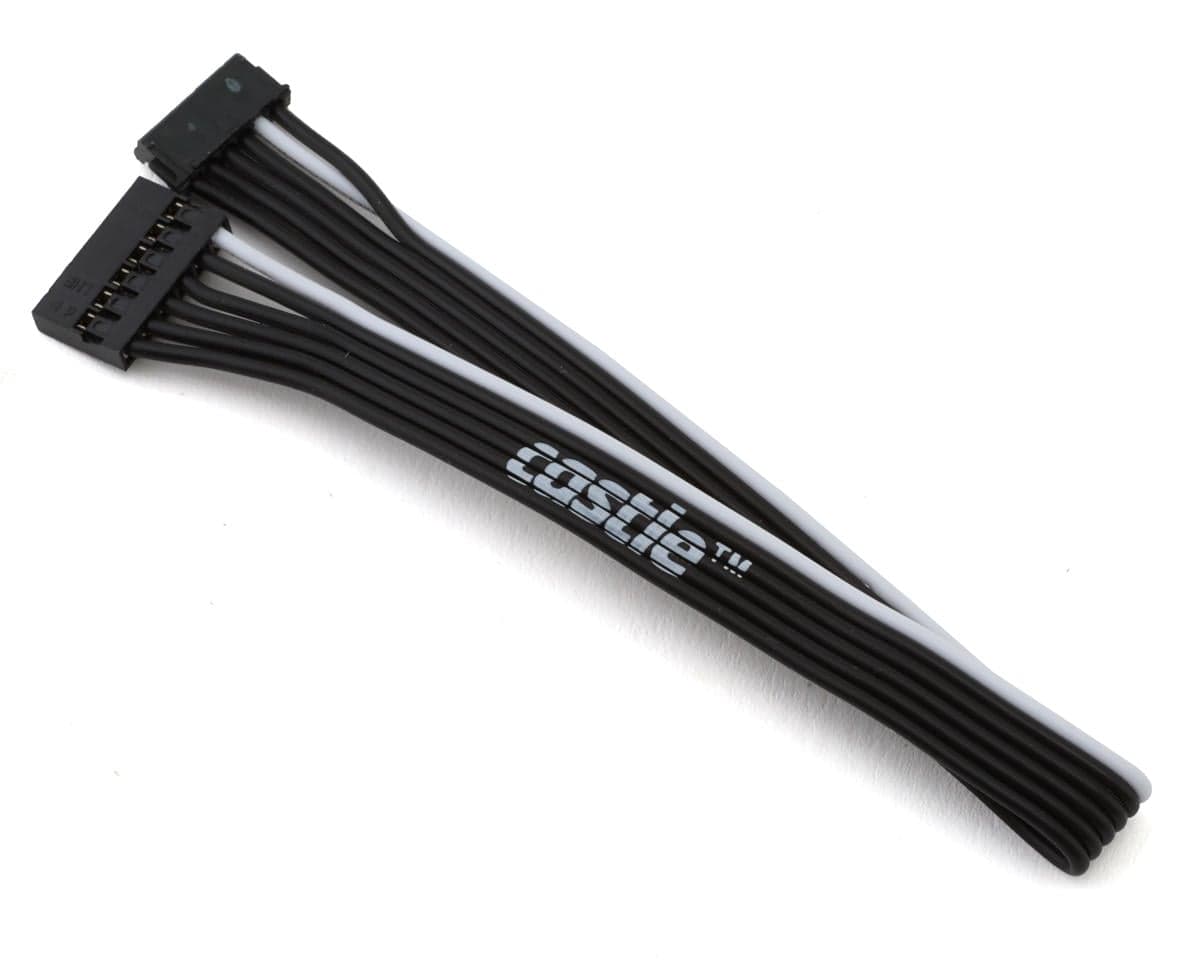
About this part
- Mamba Micro X
- Mamba Micro X2
- Mamba X
- Mamba Monster X
- Mamba Monster X 8s
- Mamba XLX2
- Copperhead 10
- Mamba Micro X:
- Unplug existing sensor harness (or dust cover) from ESC.
- Plug in new direct connect sensor wire; mind the orientation by aligning the white wire to the corresponding white dot on the side of the ESC.
- Mamba X:
- Remove 2 screws beside capacitors, using 1.5mm hex.
- Remove wire harness retainer.
- Unplug existing sensor harness from ESC.
- Plug in new direct connect sensor wire; mind the orientation by aligning the white wire to the corresponding whit dot on the side of the ESC.
- Reinstall wire harness retainer and screws.
- 200mm (7.9")
- 250mm (9.8")
- 300mm (11.8")
Reviews4.3 · 4 reviewsacross all options
The other review is correct - this is specifically for castle ESCs such as the mamba X in my case. For some ridiculous reason Castle decided to design the ESC so that you can't use a normal sensor wire unless you use their little adapter with it, which switches the position of ONE of the wires. it makes absolutely no sense at all why castle would do this. That little adapter to allow you to use a standard sensor cable comes with the ESC, but it's another potential point of failure if it comes unplugged, and looks tacky, so i decided to get this to clean up the wiring and just have one length going from esc to motor. Works fine, I just feel like it's something that shouldn't need to exist if Castle standardized on the sensor plug outputs like the entire rest of the world. 4/5 for having to exist in the first place making us spend more $
everyone with a copperhead10 esc should buy this! it eliminates an unnessesary connector
This is a must have for your castle speed controller. Eliminate the extra connection and potential failure point wee done great product
Buying this sensor wire was my mistake. The ends of the wire are fitted with different connectors. I suspect this wire is appropriate to Castle products, but not others. Beware!
Reviewers generally find the Castle Creations Direct Connect Sensor Wire useful for Castle ESCs, as it removes the need for the adapter that otherwise sits between the ESC and a standard sensor wire, eliminating an extra connector and potential failure point. Reviews cover the 200mm and 300mm variants. One reviewer notes the wire is designed for Castle products and warns that its connectors differ from standard sensor wires, so it may not suit other brands. Overall opinion is positive for Castle owners, with the main caveat being compatibility outside the Castle range.
- + Eliminates the adapter connector
- + Cleaner wiring from ESC to motor
- + Works with Castle ESCs such as Mamba X and Copperhead10
- − Connectors differ from standard sensor wires
- − Not suitable for non-Castle products